Breakout
Concept
The Breakout Alert is a market system developed by MethodAlgo that continuously monitors price fluctuations and sends notifications when a price breaks out either upwards or downwards. This serves not only as a opportunity alert but also as a trend alert.
Trading Protocol
Although the concept of a breakout is simple, it is one of the most commonly used entry signals by traders. The traditional trading protocol typically follows the order: analyze -> wait for breakout -> enter. With the Breakout Alert, traders can simplify this process to: spot breakout -> verify breakout -> enter. This new protocol significantly saves time, allowing traders to act swiftly and reduce overall runtime of a trade.
Collective Trends
Similar to the Liquidation Alert, when multiple assets break out rapidly and continuously in the same direction, it often indicates a collective market trend. Traders can not only capture opportunities through breakout trading but also gain insights into the current market trend by observing the frequency and direction of alert notifications.
How You Can Use It
- To find trading entry opportunities
- To capture the collective market trend
Interface
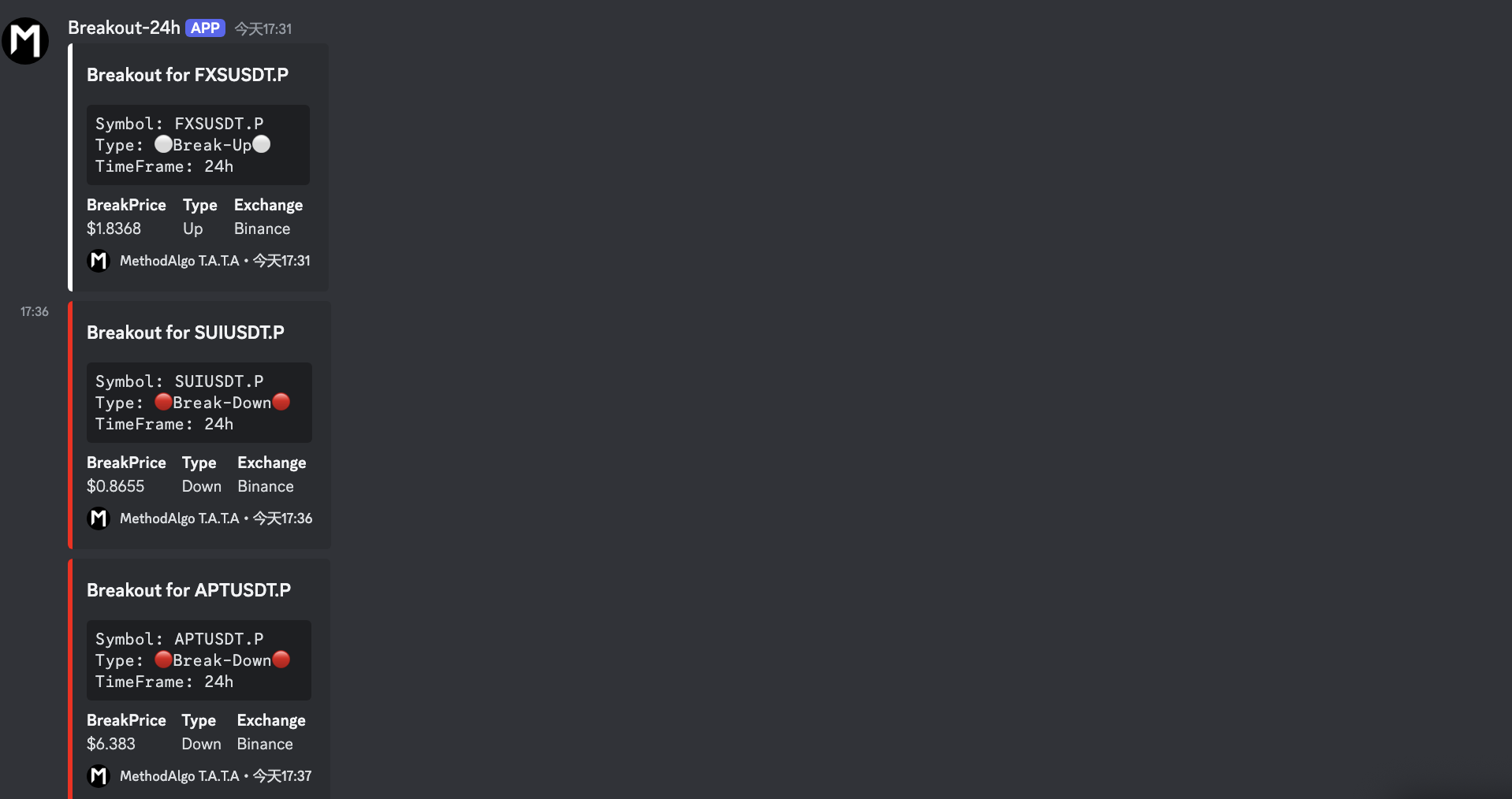
Type: ⚪️Break-upindicates an upward breakout, 🔴Break-Downindicates a downward breakout.BreakPrice: The price at the time of the detected breakout.
Alert Parameters
The Breakout Alert is a series that covers all Binance USDT futures contract pairs. The alerts are divided into three channels, providing breakout opportunities across different timeframes: #Breakout-24H, #Breakout-MTF, #Breakout-HTF.
#Breakout-24H
Unlike MTF and HTF, which use 100 candles as the detection range, the 24H breakout continuously rolls over based on the highest and lowest points in the past 24 hours. Notifications are sent when the price breaks out upwards or downwards. After 15 minutes, the system continues to monitor, and if the price breaks the refreshed high/low again, a new notification will be sent. Thus, the first 24H breakout notification indicates a daily breakout for the pair, while subsequent notifications indicate continuous climbing/falling breakouts.
#Breakout-MTF
- Monitors the
1Hand4Htimeframes. - Uses the highest and lowest points from the current candle to the previous 100 candles as a baseline, sending a notification when the price breaks out. Each timeframe's breakout is only alerted once per candle, with detection resetting when a new candle starts, notifying new breakouts.
#Breakout-HTF
- Monitors the
1Dand3Dtimeframes. - Uses the highest and lowest points from the current candle to the previous 100 candles as a baseline, sending a notification when the price breaks out. Each timeframe's breakout is only alerted once per candle, with detection resetting when a new candle starts, notifying new breakouts.
Usage
Breakout alert notifications are objective facts, as notifications are only sent when the price truly breaks the detection range. However, whether the breakout will continue after it occurs requires further analysis by the trader. Therefore, the key to trading breakouts lies in verifying the breakout.
Verifying a breakout requires certain trading experience and knowledge. Each time a breakout occurs, variables such as price structure, support, and resistance vary, making it impossible to generalize. Traders can use our indicators and drawing tools, such as Structure Patterns, Liquidity Detective, Double Top, Double Bottom, Pangolin Channel, Timezone Bandit, combined with support and resistance analysis, to determine whether the breakout is genuine or if it is a fakeout (e.g., liquidity grabs, point C of ABCDE, sweeping the top/bottom of a time zone, etc.).
Notes
- The alert detects future contract USDT pairs.
- The alert uses data from Binance. Breakout alerts for other exchanges like OKX, Bybit, etc., will be introduced in 2025.
- Breakouts are often a critical factor in trading entries, but not the only factor. Traders should perform due diligence on charts analysis to avoid being misled by false breakouts (Fakeouts).
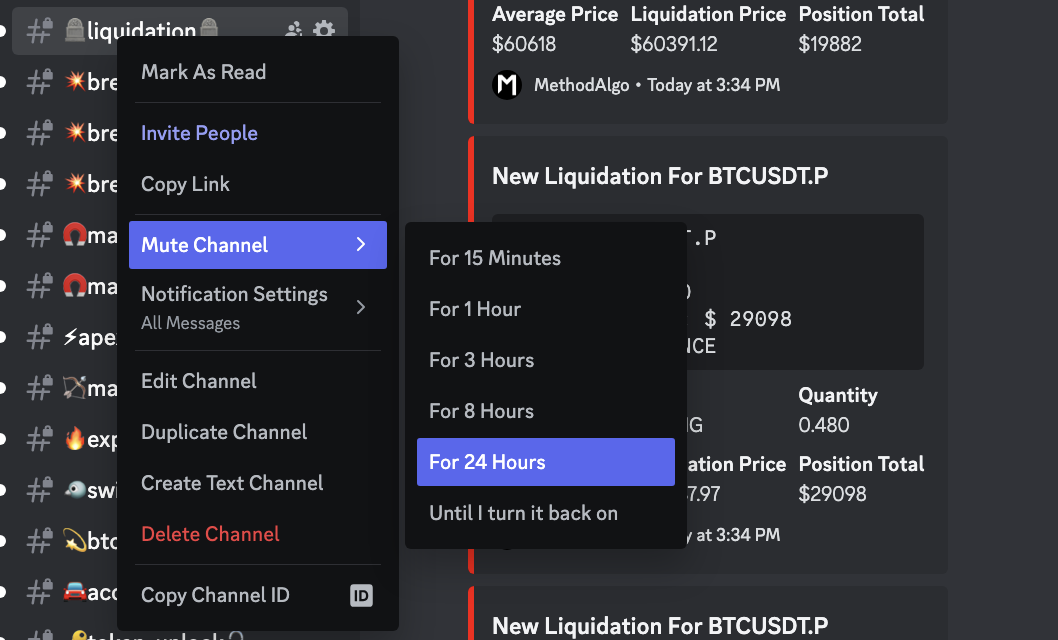
If you find the alerts too frequent, you can right-click on the channel and select Mute to silence the alert channel.